 EUR
EUR
 GBP
GBP
 CAD
CAD
 AUD
AUD

 ✨Boss’s Day✨
 Birthday
 Occasions
 Same Day
 Flowers
 Roses
Roses
 Plants
 Gifts
Gifts
 International Flower Delivery
Sending flowers to someone in another country is straightforward when you have the right details on hand. Start with the recipient's location — country and city — which determines what bouquets and gifts are available for that area. From there, fill in the delivery details, choose a date, and complete the order online.
Before You Place the Order
Getting the details ready before you start saves time at checkout and reduces errors.
Required for all orders:
- Recipient's full name
- Country and city
- Complete street address
- Local phone number (the courier may need it to confirm building access or reach the recipient)
- Preferred delivery date
- Card message
Additional details by address type:
Delivering to a hotel or hospital requires extra care with the details. See our full guide on delivering flowers to hotels and hospitals abroad before placing your order.
Do not guess at the address. If you do not have the full details, confirm them with the recipient before starting the order.
Step-by-Step: How to Send Flowers to Another Country
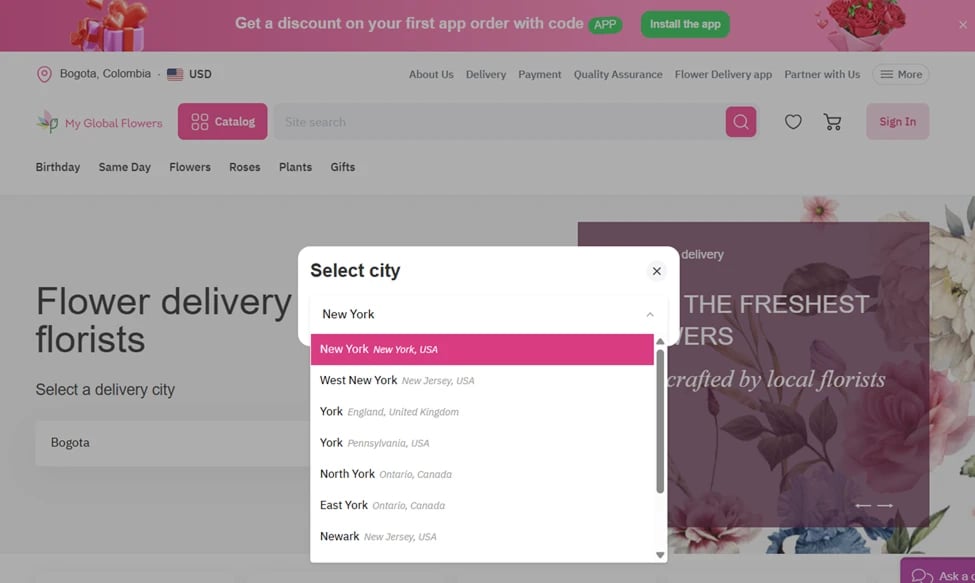
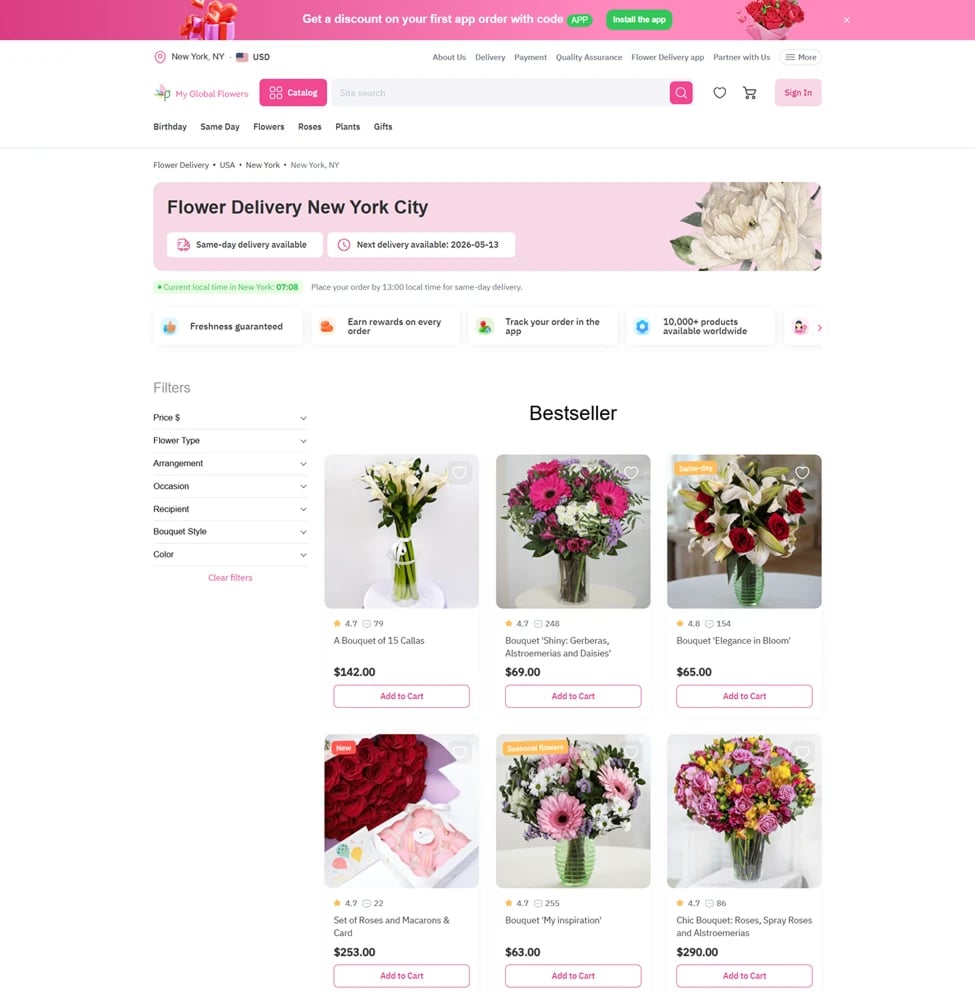
Most delivery problems start here — a missing apartment number, a misspelled name, the wrong hotel. Double-check before moving on.
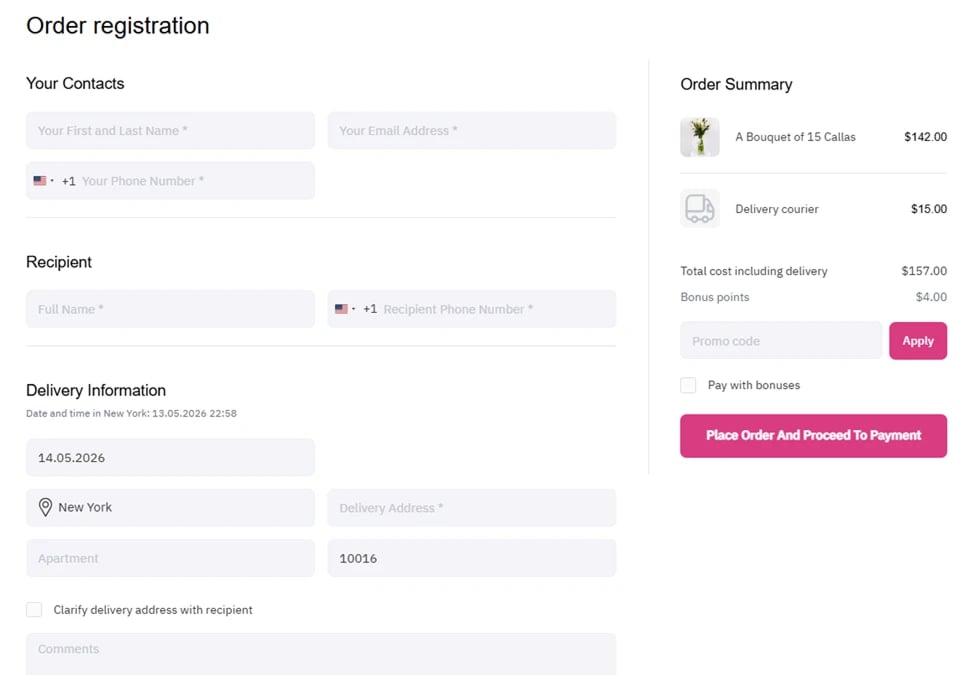
For time-sensitive occasions — birthdays, anniversaries, funerals — order earlier than you think necessary. Around Valentine's Day, Mother's Day, and Christmas, popular delivery dates fill faster.
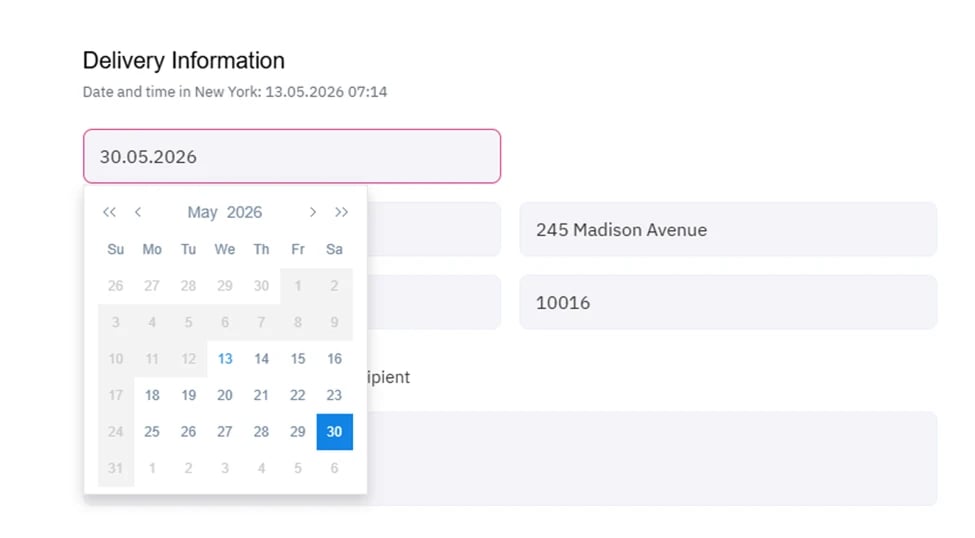

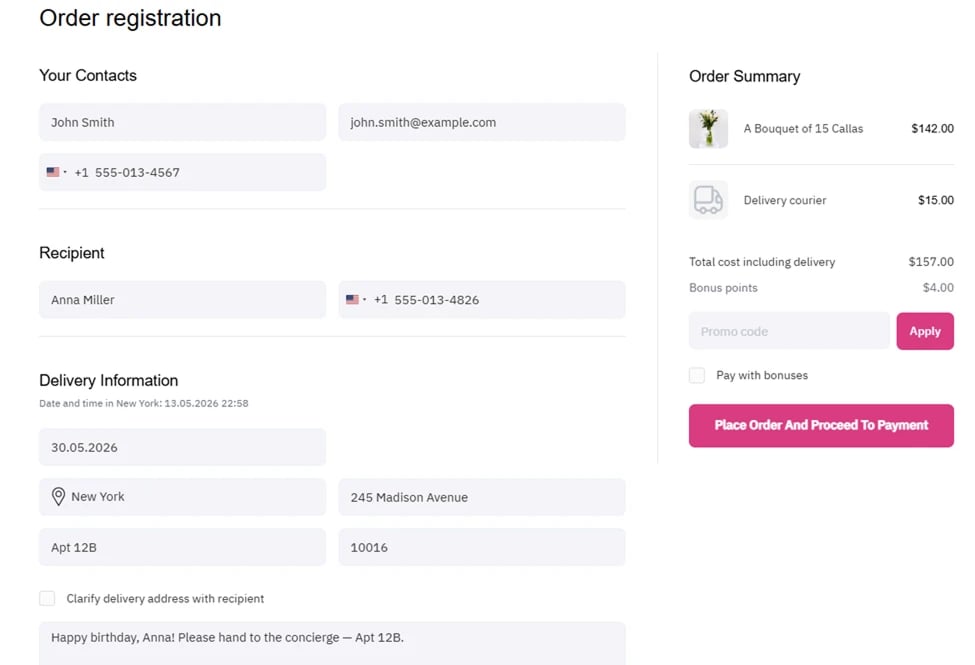
- Recipient name and address
- Phone number
- Delivery date
- Product selected
- Comments (card message and any delivery instructions)
- Final total, including any delivery fees
It is much easier to fix a mistake here than after the order is already placed.
What Happens After You Place the Order
Once payment goes through:
If the recipient was not available at delivery:
- Hotels and offices: the bouquet is typically left with reception.
- Residential addresses: the courier may leave a notification or arrange a second attempt, depending on the destination. Additional charges may apply in some locations.
If you need to correct an address or add missing details, contact support as quickly as possible — before the courier is on the way.
Order Details Checklist
Use this checklist before completing the order:
Common Mistakes to Avoid
FAQ
How do I send flowers to someone in another country?
Choose the recipient's country and city on MyGlobalFlowers.com, select a product available for that location, fill in the delivery details, choose a date, and complete the order online.
What information do I need from the recipient?
Usually, the information required includes a full name, country and city, complete address, local phone number, preferred delivery date, and a card message.
Should I choose the bouquet or destination first?
Destination first. The country and city determine which bouquets, gifts, and delivery options they show.
Can I send flowers to a hotel or hospital abroad?
Often, yes. Include the room number, department, reservation name, local phone number, and any other details specific to that location.
Can I choose same-day delivery?
Same-day delivery is available for some international orders. Check at checkout for the specific destination, product, and date.
What if I enter the wrong address?
Contact support as soon as possible. Corrections are easier before the order goes out for delivery.
Can I track the order?
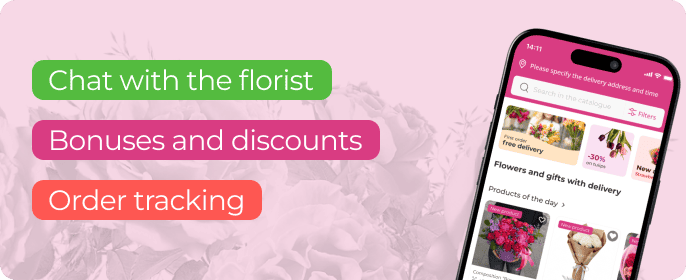
Yes. Use your order number after payment to follow the delivery at different stages.
Do you have any questions? Contact us order@myglobalflowers.com